
Plans and Subscriptions: Choose the Ideal One for Your Business
Our plans are designed to be fair and scalable. Instead of limiting the number of groups or redirectors, we focus on the number of clicks your links receive. This allows you to grow your operation without technical barriers.
How to Migrate or Change Your Plan
You can upgrade or downgrade as needed for your launch:
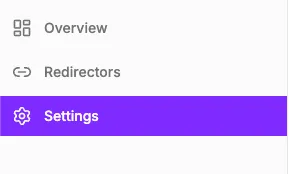
- Log in and access the Settings menu.
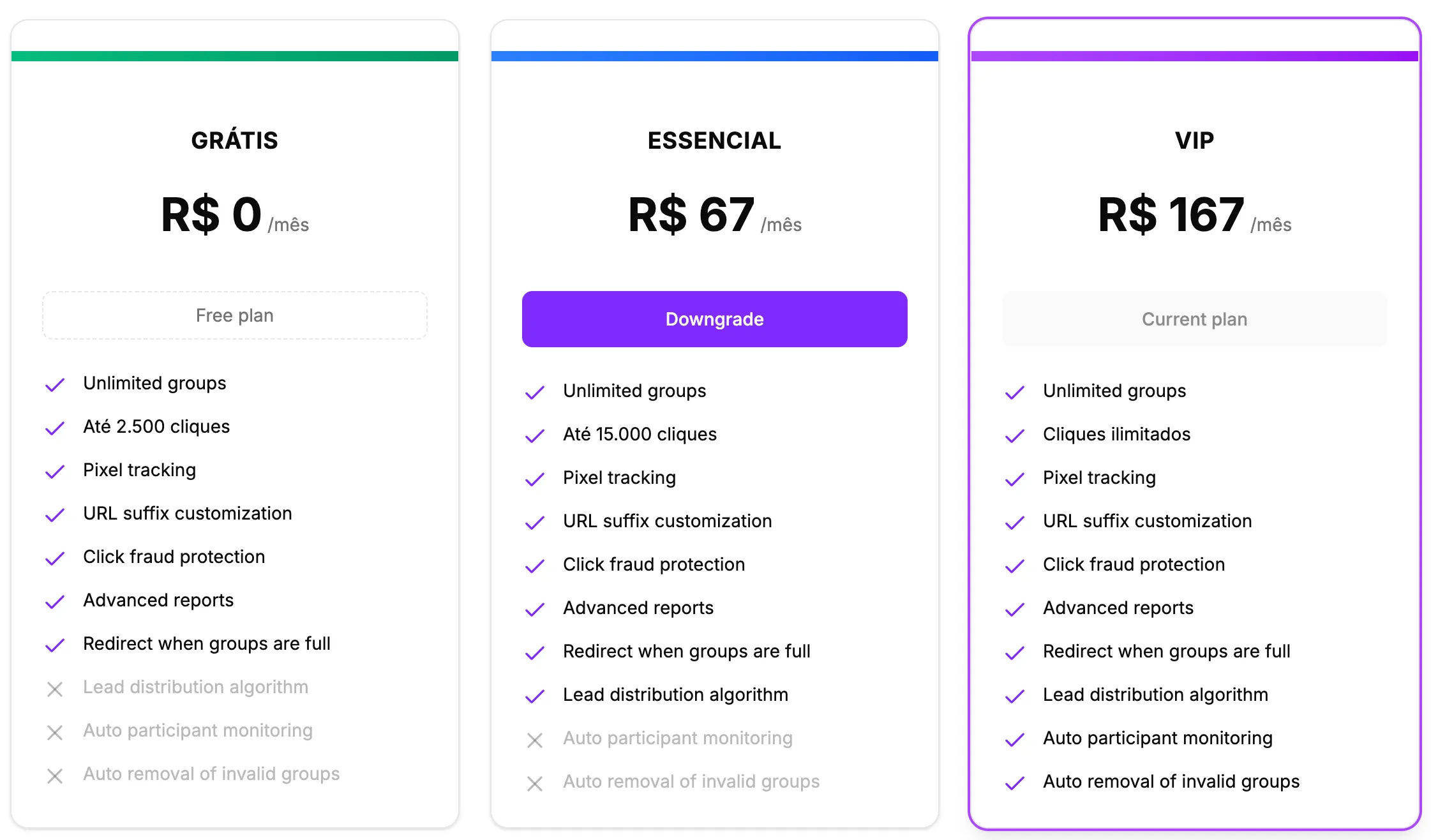
- Locate the plans section. There you will see your current plan and the other available options.
- Choose the new plan that best fits your traffic volume.
- If you don’t have a card registered yet, you will be redirected to Stripe Checkout to enter your payment details.
Subscription Cancellation Policy
We respect your autonomy. If you wish to stop the service, the process is simple:
- Access Settings.
- Click the Cancel plan button.
- Provide the reason for cancellation (this helps us improve our service).
Refund Rules and Billing Cycle
- Refund: Available only for subscriptions with less than one week of use. If eligible, select the refund option to cancel immediately and start the refund process.
- Scheduled Cancellation: For subscriptions older than one week, the cancellation will be scheduled for the end of the current billing cycle. You will continue to have full access to the benefits until the indicated date.
How to Restore a Canceled Plan
If you scheduled a cancellation but changed your mind before the end of the cycle:
- Access Settings.
- Click the Restore plan button.
- The system will confirm the immediate reactivation of your subscription.
Next Financial Steps
- Learn how to manage payments and access invoices.
- Understand the benefits of automatic updates (VIP Plan).