
Automatic Notifications and Click Limit Alerts
To ensure you have full control over your campaigns without needing to monitor the Dashboard 24 hours a day, Grupos Inteligentes includes an intelligent notification system. These alerts help prevent traffic interruptions and warn you about the health of your links.
Security Notifications: Group Removal
Section titled “Security Notifications: Group Removal”The integrity of your redirector depends on active invite links. Our system periodically validates whether registered WhatsApp invite links are still valid.
- What happens: If we detect that a group link has expired or been revoked, the group is automatically deleted from your redirector.
- Benefit: Prevents leads from being sent to WhatsApp error pages, ensuring a better experience and higher conversion.

WhatsApp Communities
Section titled “WhatsApp Communities”Sometimes, WhatsApp groups work a bit differently. Our monitoring system isn’t compatible with WhatsApp Communities.
If you try to add a Community to your redirector, you’ll receive a notification letting you know that we can’t track the number of participants inside it. Nothing’s wrong, it’s just a technical limitation.
What we recommend: Use regular WhatsApp groups. They work perfectly and ensure you always have control over who sees your messages.
Plan Consumption Alerts
Section titled “Plan Consumption Alerts”We monitor your account’s click volume in real-time. To prevent your account from being suspended due to lack of balance, we send gradual alerts as you use your monthly allowance:
Plan Alert Levels
Section titled “Plan Alert Levels”We send notifications when your consumption reaches critical milestones:
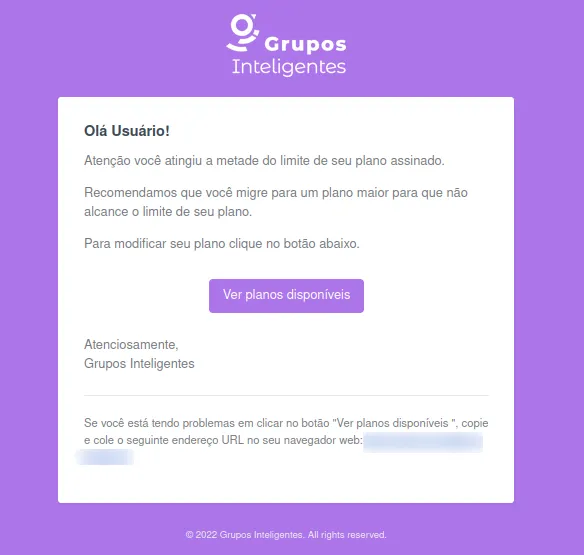
- 50% of Plan: Preventive warning to monitor campaign pace
- Visual alert of 50% usage of plan click limit
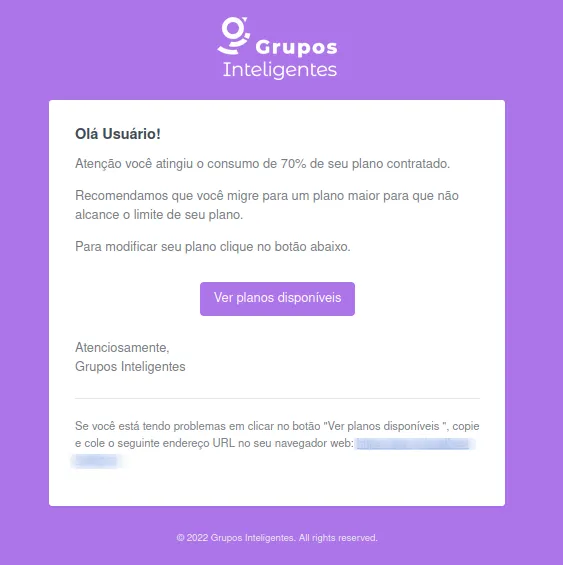
- 70% of Plan: Suggestion to evaluate if current volume is sufficient for the rest of the month
- Visual alert of 70% usage of the plan’s click limit
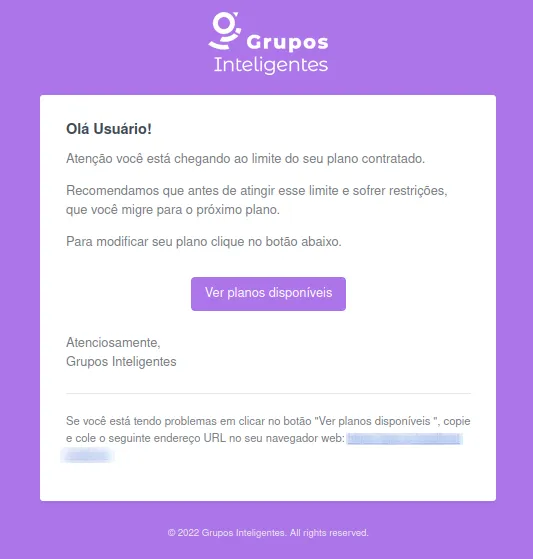
- 90% of Plan: Critical alert recommending a plan upgrade
- Visual alert of 90% usage of the plan’s click limit
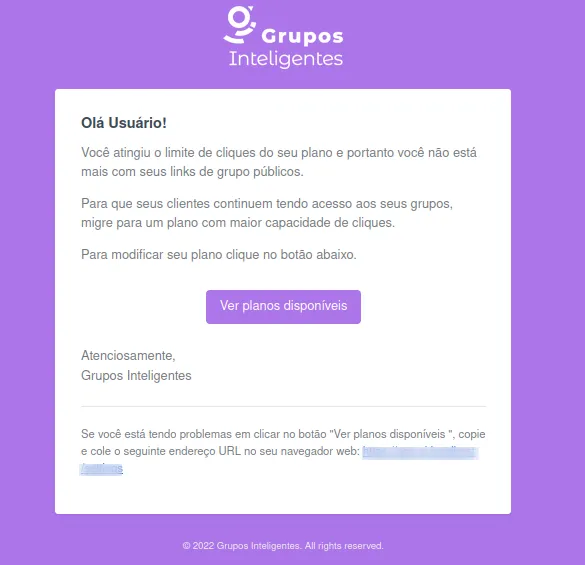
- 100% of Plan: Final notification informing that limit has been reached and redirection may be affected
- Visual alert of 100% usage of the plan’s click limit
Redirector Capacity Alerts
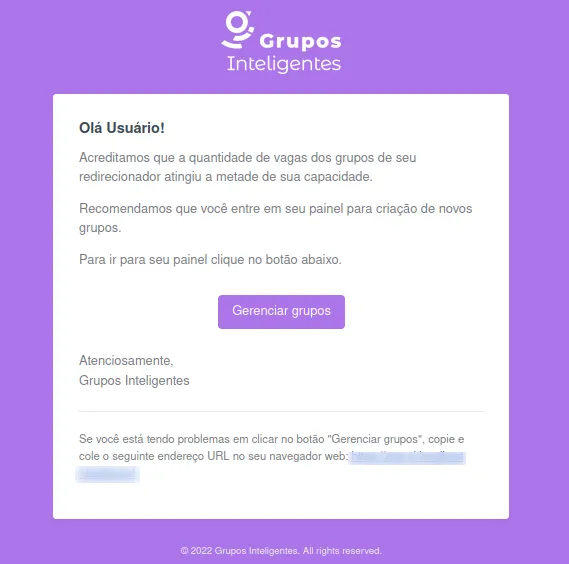
Section titled “Redirector Capacity Alerts”In addition to the global plan, we monitor the occupancy of your specific redirectors (slots vs. clicks). You will receive similar alerts (50%, 70%, 90%, and 100%) based on the total capacity of the groups linked to that link.
When You Haven’t Used the System for a While
Section titled “When You Haven’t Used the System for a While”Sometimes life gets busy and you forget to check your account for a while. We completely understand.
If you go more than three months without logging into your account, you’ll receive an email reminder that your redirectors may be inactive. This is just our way of keeping things organized.
Don’t worry: if this happens, just log back in normally and everything will continue working as before.
What to do when receiving an alert?
Section titled “What to do when receiving an alert?”- For plan limits: Consider upgrading your plan to a plan with a higher click allowance
- For redirector limits: Add new WhatsApp groups to the link to expand its capacity
Next Steps
Section titled “Next Steps”- Learn how click reports work
- Learn how to limit the number of users per group
- Find out more about click-based billing